Tutorials
Basic run
Run a demo example.
ndsimulator examples/2d-md.yaml
The yaml file can be found on the github repo or as shown below. We will explain the arguments one by one in the following section.
root: ./reference
run_name: md_gamma_1

ndim: 2
mass: 1.0
potential: Mueller2d
x0:
- 22.0
- 24.0

method: md
integration: langevin

gamma: 1
temperature: 300

dt: 1.0
steps: 10000

dump: true
dump_freq: 10

movie: false
oneplot: true
plot: true
plot_boundary:
- - 0.0
  - 48.0
- - 0.0
  - 40.0
plot_ebound:
- -1.4
- 0.2
plot_freq: 100
plot_increment:
- 1.0
- 1.0

verbose: debug
With the arguments
root: ./referenceandrun_name: md_gamma_0.1, the call will generate a folder in rference/md_gamma_0.1ls reference/md_gamma_0.1/ $ colvar.dat force.dat log oneplot.png pos.dat thermo.dat velocity.dat
Each dat file includes the positions (pos.dat), forces (force.dat), velocities (velocity.dat), temperature (thermo.dat)
logfile contains the screen output and some additional informationdump: if True, the .dat files will be generateddump_freq: control how often the data is saved
Relevant python interface sees Dump
The simulation result is automatically visualized in the
oneplot.png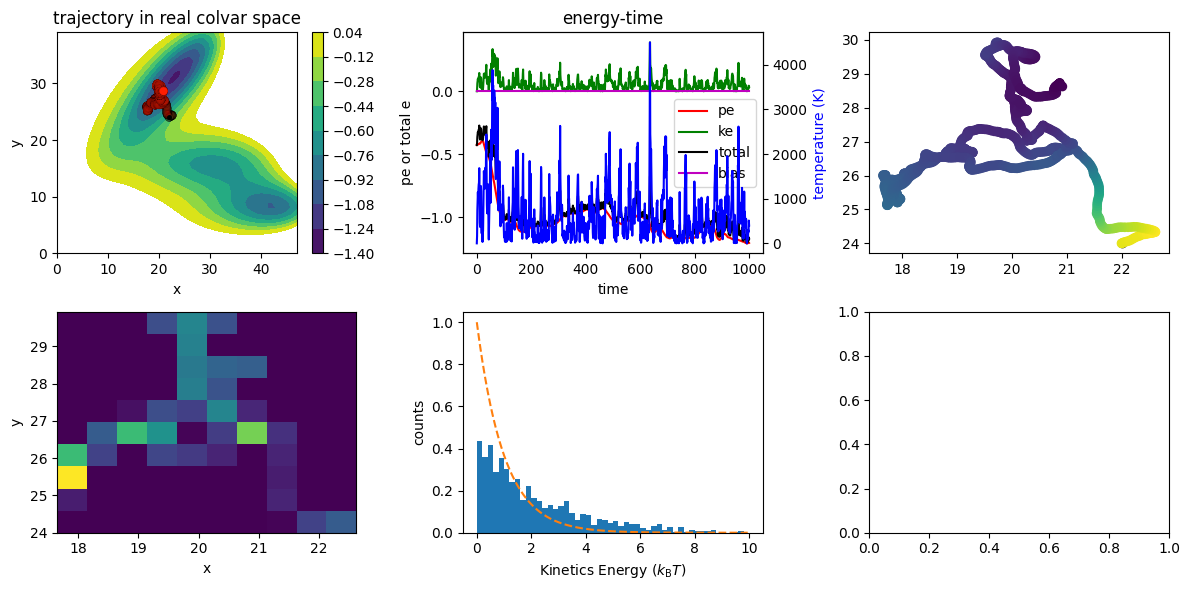
The details of each panel and their arguments see Plot and LightPlot
Langevin dynamics
The key arguments for langevin dynamics is dt and gamma. The choice of dt depends on the energy landscape.
Unlike in MD with real atoms, the N-dimensional landscape is more sensitive to dt options.
A large dt will let the particle move to super high energy region way to fast.
gamma on the otherhand, control the friction forces that are applied to the particle.
See below for three simulations with three gamma values to get a sense.
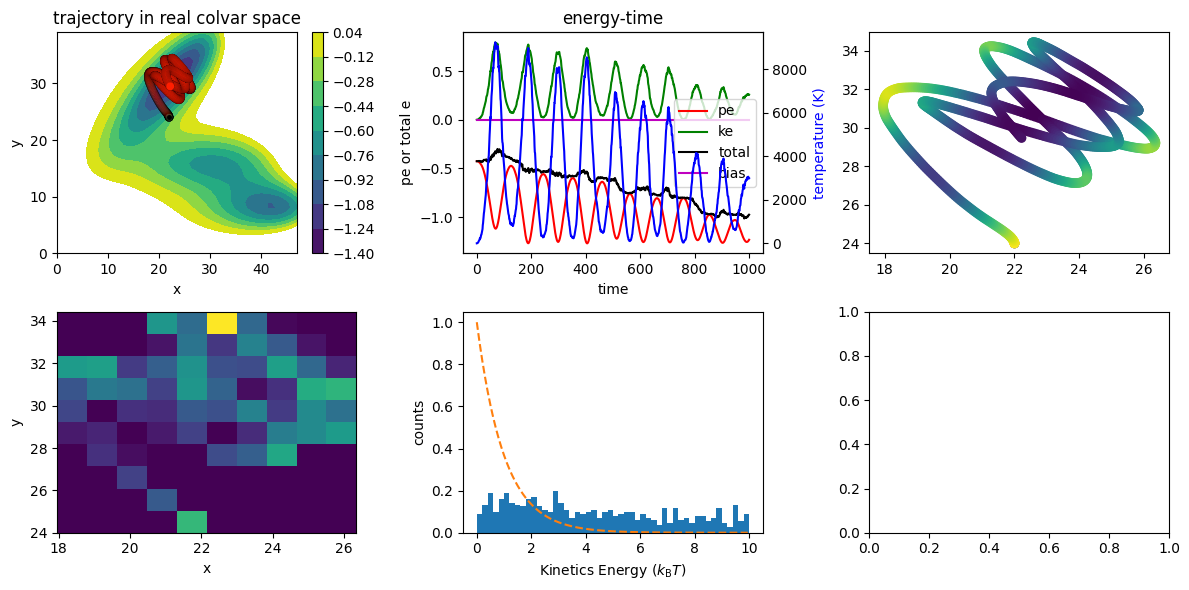
gamma=0.001
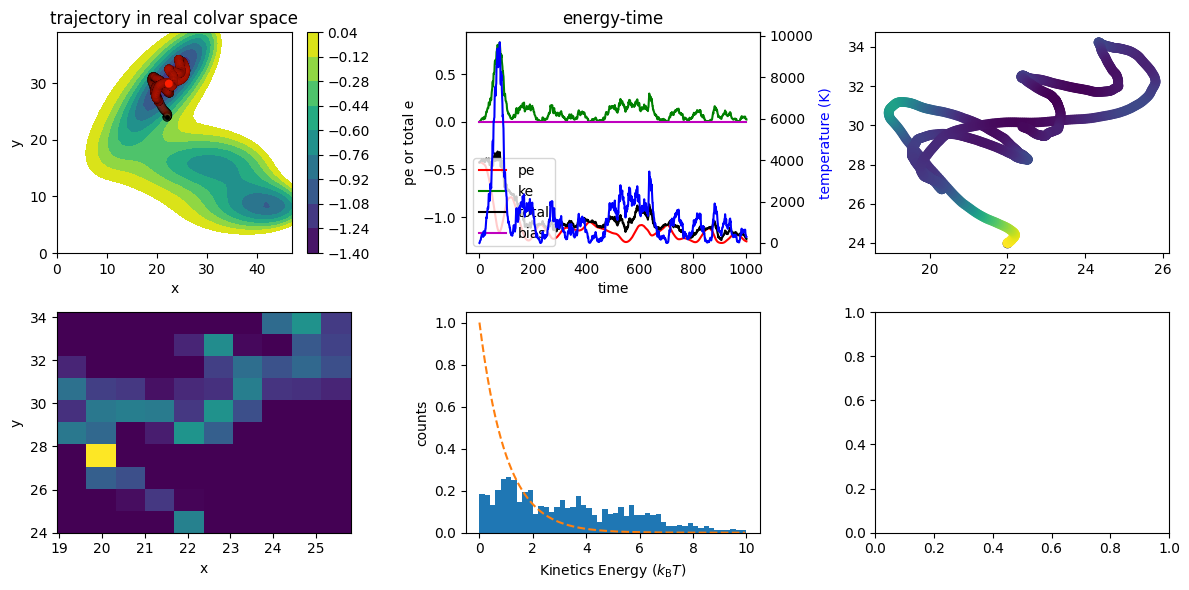
gamma=0.01
gamma=0.1